
Start and Scale an AI No‑Code Automation Agency
Launch a client-facing AI automation service without coding: pick a niche, package an AI receptionist + follow-up system, set up automations, run outreach and ads, onboard clients, and scale with repeatable workflows.
What you'll build
A no‑code AI automation agency that installs an AI “employee” for small businesses: answers calls and chats, books appointments, follows up, and drives reviews—plus a simple website and CRM pipeline.
You’ll use one of several primary platforms to implement the stack, then acquire clients with omni‑channel outreach and optional ads, close deliverable‑based retainers, and automate onboarding.
- AI receptionist + chat widget + follow‑up system
- Conversion page with forms and instant routing
- Outbound lead list + personalized outreach
- Optional Instagram/Meta ads with conversion tracking
- Automated onboarding, payments, and client pipeline
Platforms & tools


Step 1 — 🧭 Pick a niche with real money
Choose a local, phone‑driven service where one new client is worth thousands. Prioritize businesses with missed calls and slow follow‑ups you can fix with an AI receptionist + automations.
Good starting niches: roofing, HVAC, cleaning, pressure washing, gutter cleaning, car detailing, legal, healthcare, real estate, coaching, tutoring, and small e‑commerce with support gaps.
Avoid low‑ticket, low call‑volume picks (e.g., barbers) unless you have a volume approach. The biggest wins come from high LTV, frequent inbound calls, and slow response competitors.
Step 2 — 🎯 Define your package
Productize a simple bundle clients grasp in seconds. Offer an AI receptionist that answers every call and chat, books appointments, triggers follow‑ups, and drives reviews—plus a light website or landing page.
Scope by complexity: Level 1 uses existing AI/chat features, Level 2 integrates tools (Make/Zapier), Level 3 builds custom multi‑step automations and agents.
- AI phone answering + website chat
- Automated SMS/email follow‑ups and reactivation
- Review generation and staff notifications
- Lead segmentation and simple CRM pipeline
- Optional: newsletter, content, or ads add‑ons
Bundle the AI employee with missed‑call text‑back, GBP optimization, a basic site, and a chat widget to increase perceived value and stickiness.
Step 3 — 💵 Set pricing and success rules
Anchor to business outcomes, not hours. Offer simple tiers and, where appropriate, performance‑aligned pricing.
Tiers example: $500/mo (AI site + basics), $1,500–$2,000/mo (lead gen + ads), $2,500–$3,000/mo (full suite incl. Google Ads + SEO). One‑time builds can be $300–$5,000 with $2–$700/mo ongoing. For cost‑savings automations, many charge ~25% (up to ~50%) of measured savings. Another rule of thumb: price ≈ annual outcome ÷ 10 (example‑only).
Use deliverable‑based retainers (e.g., weekly strategy call + priority plans + daily availability + unlimited maintenance). Keep contracts simple—extra legal friction can slow small international deals.
Step 4 — 🏗️ Set up your primary platform workspace
Pick one primary platform to deliver your package. Create the workspace, connect domain, comms, and your basic CRM pipeline so leads flow from your site into automations instantly.
| Platform | What to do in this step |
|---|---|
| GoHighLevel | Create sub‑account; connect domain; set calendar; add phone/SMS number; enable chat widget; build pipeline stages (inbound, contacted, qualified, unqualified, active, duplicate); turn on email/SMS; set forms for site. |
| Make.com | Create a Scenario; add Webhook (Custom webhook) to receive site forms; connect Gmail/SMTP; add routers/filters; write to Google Sheets; send Slack/Email alerts; prepare callable endpoints for chat/voice agent. |
| n8n | Create a Workflow; add Webhook node; connect Gmail via OAuth (Google Cloud); write to Google Sheets; add HTTP Request to agent API; end with Respond to Webhook node so your app can display the response. |
| Lovable | Create app; add form components; wire submit to webhook (Make/n8n); design a dashboard for lead status; add CTA buttons (e.g., Try free) and connect to booking/payment links. |
| Lindy | Create an AISDR agent; define ICP and sources; craft personalization rules and objection handling; set sequences and A/B tests; connect sending accounts; enable CRM sync via webhook or native integrations. |
| WordPress | Install a lightweight theme; add Elementor (if using); set SMTP email delivery plugin; create a landing page and thank‑you page; prep an HTML form or embed chat widget; connect form to your webhook. |
HighLevel combines CRM, funnels, email, SMS, calendar, and automations in one place. If you’re new, it can save juggling multiple tools.

Google Sheets — where you'll do this
make.com — where you'll do this
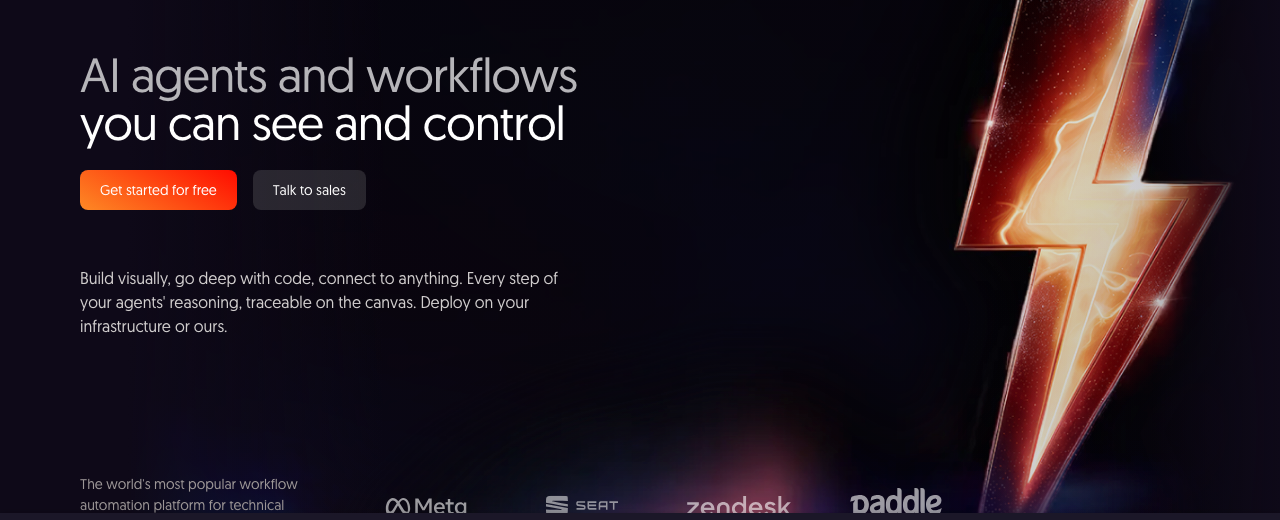
n8n — where you'll do this
Step 5 — 🌐 Build a conversion‑first landing page with AI
Ship a simple, trustable page fast: headline (who you help), promise (how you help), and one action (book or demo). Include phone, email, short form, chat, social links, and address above the fold. Copy a proven layout or generate one with AI, then refine.
Copy the design from [REFERENCE DOMAIN]. But the new website needs to be for a business called [YOUR BUSINESS NAME], which is a business that builds [YOUR SERVICES] only within [SERVICE AREA]. Insert beautiful images of completed projects and list five to ten cities we serve. Include a form to request more info. Pixel‑perfect, mobile‑first. Go.
You are a senior frontend developer. Build a modern, mobile‑first landing page for [AI AUTOMATION AGENCY NAME]. Include sections: Hero (clear promise + single CTA), Credibility (mini case bullets), How it works (3 steps), Features (AI receptionist, follow‑up, reviews), Pricing (3 tiers), FAQ, and Contact. Use [BRAND COLORS/LOGO GUIDELINES]. Output clean HTML/CSS. Keep assets replaceable.
Act as a pixel‑perfect web lead. Authority: You set non‑negotiable standards. Reference: Lock [REFERENCE URL] for structure and spacing. Requirements: exact spacing, consistent button radii, accessible contrast, responsive typography, micro‑interactions on hovers, and 90+ Lighthouse performance. Deliver succinct HTML/CSS with comments on swap areas. No frameworks.
When copying with AI, expect ~40% accuracy initially. Iterate with precise fixes (e.g., “increase button radius to 8px, match gradient hex #…”) until it’s tight. A cheap‑looking header hurts the whole page.
Step 6 — 🧩 Connect forms, chat, and webhooks to your automations
Wire the site to your workflows so every submission or chat triggers instant routing, alerts, and qualification. Embed your chat widget and use a single webhook URL for form posts.
| Platform | What to do in this step |
|---|---|
| GoHighLevel | Create a Form (Settings → Form Builder) and add to your page; enable Missed‑Call Text‑Back; add the Website Chat widget via its embed snippet; map form fields to pipeline; turn on notifications. |
| Make.com | Use a Custom Webhook trigger; copy its URL into your site form; add routers for qualification; send confirmation emails; write to Google Sheets; return a 200 OK. Use Modules: OAuth2.0 Request when calling external APIs. |
| n8n | Add Webhook (POST) node; parse JSON; enrich; send to CRM; finish with Respond to Webhook to return a message the app can show. Connect Gmail via Google OAuth (Google Cloud) for reliable sending. |
| Lovable | Drag a Form; set the action to your Make/n8n webhook; add a success state; include CTA buttons (Try free / Book call) styled consistently and linked to booking/payment URLs. |
| Lindy | Publish an agent capture form or connect its webhook to your site; ensure collected data posts to your CRM; enable auto‑responses and task creation. |
| WordPress | With Elementor, use an HTML widget or native Form; paste the form HTML; point action to your webhook; install and configure SMTP to ensure email delivery; publish. |
Use clear consent checkboxes: “I agree to receive automated reminders and service‑based messages” and, if applicable, “I agree to receive marketing and promotional messages.”
Step 7 — 📞 Configure your AI agent (voice + chat)
Stand up your AI receptionist/agent to answer calls immediately, greet by business name, qualify, collect contact info, and book if enabled. Add callable functions (e.g., end call, transfer) with real numbers, and upload a concise knowledge base from your site maps. Connect the agent to your automation webhook and instruct it to auto‑SMS the caller.
You are the AI receptionist for [BUSINESS NAME]. Goals: 1) Answer instantly, 2) Greet with “[BUSINESS NAME], how can I help?”, 3) Qualify with [QUALIFYING QUESTIONS], 4) Capture name, phone, email, 5) Book via [BOOKING LINK/API], 6) If complex → transfer using function [TRANSFER_FN] to [PHONE NUMBER], else end using [END_CALL_FN]. Knowledge base: [XML/FAQ SNIPPET]. Tone: confident, concise, human. After each call, SMS the caller: “Thanks for calling [BUSINESS NAME]. Here’s your booking: [BOOKING LINK]. Reply STOP to opt out.”
Format the knowledge base in compact XML to reduce latency and improve accuracy. Expect to iterate: pronunciation and missing info often need small tweaks.
Step 8 — 🔁 Build follow‑ups, reactivation, and reviews
Create SMS/email sequences for: speed‑to‑lead, no‑show recovery, cold leads, and review requests. Personalize with name, service, and city. Use video thumbnails linking to a short Loom or demo page.
Respond within minutes—speed‑to‑lead has a massive impact on contact rates.
Write a 5‑message SMS + 3‑email sequence for [NICHE] in [CITY]. Goal: book [SERVICE]. Use friendly, concise copy with one CTA per message. Personalize with [FIRST NAME], [BUSINESS NAME], and [BOOKING LINK]. Include one review request template triggered post‑job with [REVIEW LINK].
Odds of successfully contacting a new lead can drop up to 100× if you wait longer than 5 minutes to respond (Harvard research). Template most text yourself—have AI fill small sections to keep quality consistent.
Step 9 — 📓 Create your Sheets source‑of‑truth
Centralize lead and content data in Google Sheets for easy automations and QA. Keep one tab for leads and one for content production.
- Leads: URL, First, Last, Email, Phone, Headline, Location, Icebreaker
- Content: Title, Word count, Primary/Secondary keywords, Internal/External links
- Docs: Outline doc URL, Article doc URL, Website URL
- Meta: Owner, Status, Next action, Notes
Step 10 — 🕵️ Find and enrich leads automatically
Build a repeatable pipeline: find businesses with weak sites or poor reviews, enrich contacts, and store clean rows in Sheets. Use Make/n8n for scraping/enrichment and Gmail sending via OAuth.
Start with Google Maps, organic Google search, and Apollo for contacts. Use appify for channel‑specific scraping (e.g., YouTube comments).
List the most useful public fields to scrape for local service businesses. Output a CSV header only with: business_name, website, owner_first, owner_last, email, phone, address, neighborhood, stars, review_count, last_review_date, specialties, pricing_indicator, booking_link, notes.
Do not send cold email via Mailchimp/Constant Contact—they prohibit purchased/scraped lists and can suspend accounts. Many platforms block heavy LinkedIn scraping; respect rate limits and terms.
Step 11 — ✍️ Auto‑generate personalizations and assets
Use LLMs to create 2–4 sentence multi‑line icebreakers tied to each prospect’s site/reviews. Generate a 5–10 slide mini‑deck diagnosing their gaps and how AI automation lifts bookings.
Attach a tailored Loom thumbnail + link to boost replies.
Visit [WEBSITE URL] and write a 2–4 sentence opener that: 1) gives a real compliment, 2) points out one specific conversion leak (e.g., no after‑hours answer), and 3) tees up a 30‑sec demo. Use [CITY] context. Output plain text only.
Create a 5–10 slide pitch deck for [BUSINESS NAME] in [CITY] showing specific problems with their online presence and how AI automation would increase bookings by [15–30% EXAMPLE]. Each slide: headline pain, 1–3 bullets, one visual suggestion. End with a simple ROI frame and next step [BOOKING LINK].
Step 12 — 🚀 Launch omni‑channel outreach
Send your asset via multiple channels (email, Instagram DM, LinkedIn, X). Use short, human copy. Respond to replies within 60 seconds when possible.
Choose platforms by audience: LinkedIn (B2B/high‑ticket), Facebook (40+/local), Instagram/TikTok/Shorts (under 35), YouTube (all ages, long‑term).
Subject: quick idea for [BUSINESS NAME]
Hey [FIRST NAME]—I went through [PAGE/ASSET] and you’re likely leaving money on the table. I build landing pages + AI follow‑up for creators/SMBs. Confident a few changes could add [OUTCOME EXAMPLE] in [TIME WINDOW]. I’ll do it upfront, no strings—if it performs, we can talk a small cut ([15–20% EXAMPLE]). Open to a 15‑min walkthrough tomorrow at [TIME]?
[YOUR NAME]
Subject: [Personalized hook for [Name]]

Hey [FIRST NAME], this is [YOUR NAME]. I was looking you up and didn’t see a site. I went ahead and built you one optimized for calls. Want the link? Reply STOP to opt out.
Subject: [Personalized hook for [Name]]

Hey [FIRST NAME], I found a few things on your site that might be costing leads, so I mocked up a version optimized for more calls/customers. Can I send you the 30‑sec demo link?
Subject: [Personalized hook for [Name]]

Hey [FIRST NAME], noticed you may be missing leads after hours. I help businesses automate lead follow‑up so nights/weekends book appointments automatically. Want a 30‑sec demo?
Subject: [Personalized hook for [Name]]

Hey [FIRST NAME], looks like a lot of calls go unanswered. I can add something that answers every call, books appointments automatically, and makes sure you never lose another lead. Takes ~10 minutes to set up. Want me to add it?
Subject: [Personalized hook for [Name]]

Hey, I’m looking to help five [NICHE] owners get 10–15 leads per month using a simple 3‑step system—no paid ads. If you want a walkthrough free, DM me.
Subject: [Personalized hook for [Name]]

Hey [FIRST NAME], I help [NICHE] turn website visitors into booked appointments without spending more on ads. Open to seeing how that could work for your office?
Use casual, lowercase, human copy; add a strong guarantee; include a Loom thumbnail if used. Reply fast to boost conversions.
Step 13 — 🛡️ Handle objections smoothly
Totally get it—most businesses I work with already had someone, too. Would it be okay if I showed you one thing we do differently, just so you’ve got something to compare to? No pressure.
That’s useful to know. A lot of teams said the same before we started. Usually the issue is the system, not the idea. Okay if I show you exactly how we handle that so you can see what’s different?
Totally understand—timing matters. Would it be alright if I sent one quick thing that’ll be useful when you’re ready? Takes ~2 minutes to skim. No pressure.
Step 14 — 🎥 Send a 90‑second Loom teardown
Record a short, personalized video: 15 sec intro, 30–45 sec proof (Google listing, reviews vs. competitors, site issues), 30 sec how you’d fix it and a soft close. Send the link/thumbnail in your reply.
End with a low‑pressure ask and a single clear next step (book a slot or reply ‘YES’).
Step 15 — 📣 Turn on Instagram/Meta ads (optional)
Layer paid demand once your offer converts. Use a simple conversion campaign pointing to your booking or demo page, tracked with a pixel and a clear conversion event.
- Switch Instagram to business (Profile → Professional account → Category → Account type → Contact info).
- Connect Instagram + Facebook to Meta Business Suite and verify your business details.
- Create an ad account; add payment method.
- Create and connect a Meta Pixel; install it (e.g., WordPress plugin/WooCommerce, enable advanced matching).
- Set a conversion event on the thank‑you page with the Event Setup Tool.
- Create an adset (conversions goal, daily budget, IG placements), define targeting and schedule.
- Publish an ad (single image/video, headline, primary text, CTA) and follow a scaling framework.
Before publishing, answer: who is this for, what problem, what solution, what proof, what one action? Set your main domain to a compliant landing page to avoid reviewer issues.
Step 16 — 🧰 Add inbound channels and content engine
Repurpose one strong post/video into 3 Instagram posts, a LinkedIn carousel, and a YouTube Short. Consider launching a Beehiiv newsletter to own an audience you can monetize with ads/sponsorships later.
Structure pages like answer sheets: direct answer in first sentence, short summary on top, FAQ, and a visible “last updated” date.
Step 17 — 🧑💼 Win clients on Upwork (optional)
Create a profile optimized for search with keyword‑rich titles, social proof above the fold, a bright, centered photo, and set variable rates. Apply to 3–5 jobs daily with a custom Loom teardown and a small tailored asset attached (Google Doc). Follow up by email/DM for visibility.
Be upfront if you’re new and lead with value. Fill out all sections (consultations, portfolio, skills, certifications) to lift profile completeness and ranking.
Step 18 — 🧩 Run discovery and close
Follow a simple SOP: build rapport, ask why your note stood out, uncover pains and costs, confirm urgency, show a quick demo, and propose your deliverable‑based retainer or send a clear proposal.
Time split: 70% on business problems and goals, 20% on tailored solution and outcomes, 10% on objections/next steps.
Skip deep technical dives (meta tags, prompt engineering)—clients care about outcomes. Map decision‑maker adoption style (enthusiastic, cautious, traditionalist) and match your pace accordingly.
Step 19 — 🧾 Automate onboarding and payments
Collect client info via forms, update your CRM/PM, send a welcome email, schedule the kickoff, and auto‑generate docs/assets. Create Stripe products and payment links; include your terms and support SLAs.
Embed your chat widget everywhere and ensure emails send reliably (SMTP for WordPress; verified domains for cold email tools).
Use simple, clear privacy language; avoid blanket “share with affiliates/third parties” phrasing that can trigger high‑risk classification on ad platforms.
Step 20 — ✅ Launch, QA, and iterate fast
Define eval criteria (e.g., text legibility, color palette consistency, linear flow). Use automated measurement (e.g., Lighthouse for speed; reply‑rate analytics for email). Test agent calls; refine knowledge and pronunciations.
Drop ad and churn data into ChatGPT/Claude for insights: lowest CPC campaigns, churn reasons, top 10% customers by value.
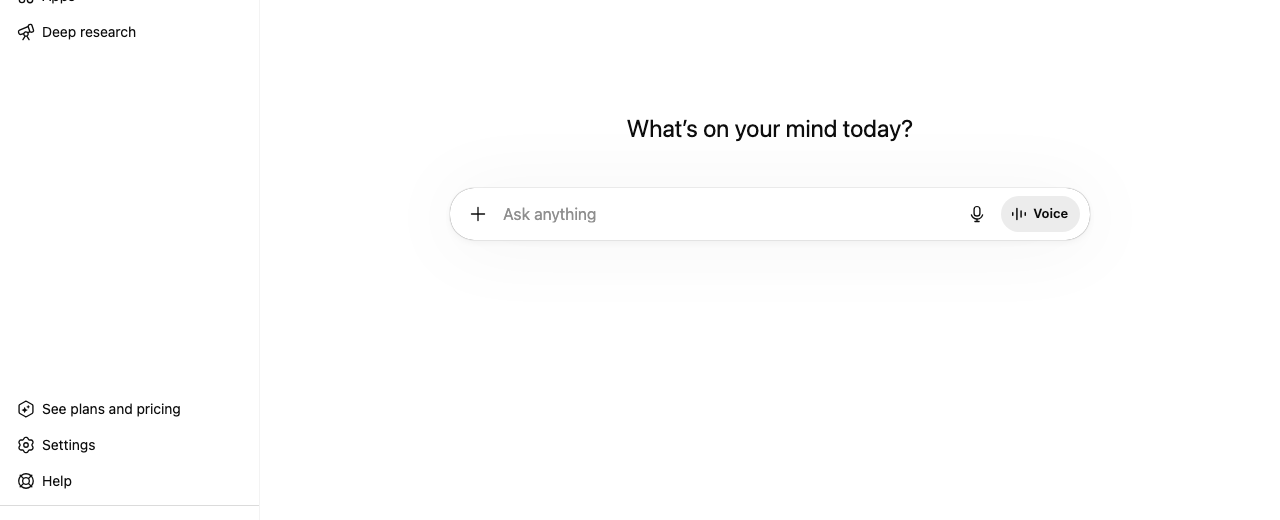
ChatGPT — where you'll do this
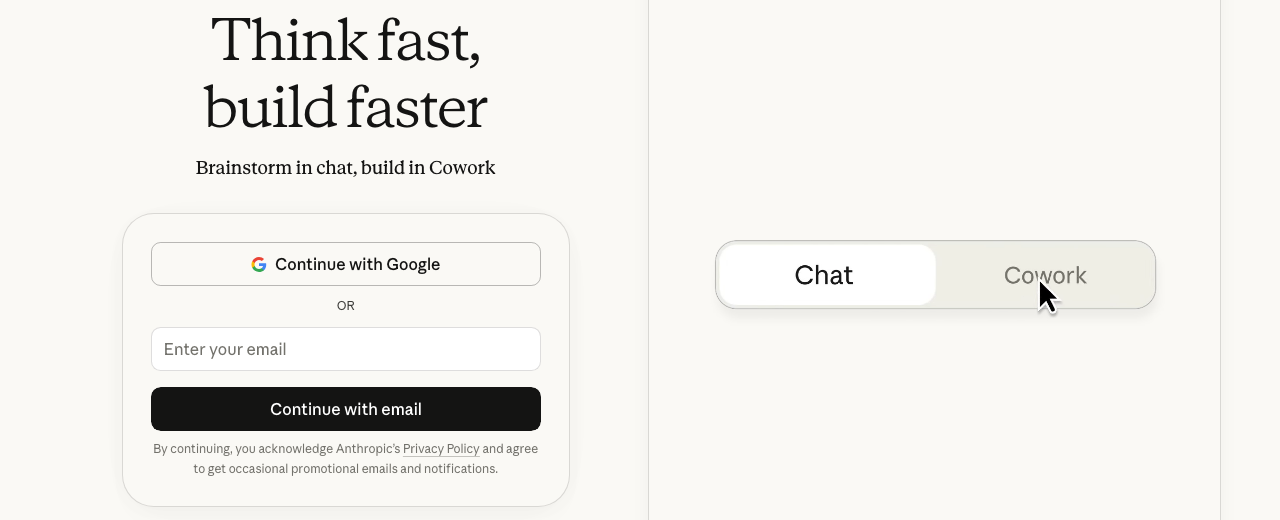
Claude — where you'll do this
Step 21 — 📈 Scale what works
Double down on the offer that brings your best clients, sells easiest, has the highest margins, and you enjoy delivering. Add more acquisition channels (Nextdoor organic, Google search, referrals, inbound site, bots, outbound texting to HOA/PMs).
For Meta budgets: test $5–$20 (7 days), then optimize $20–$200, duplicate winners $100–$250, add retargeting $250–$500 and rotate creatives weekly. Consider localized expansion—identify a country with limited CRM options, translate your assets with AI, and launch.
Focus on RGAs (revenue‑generating activities). Avoid busywork like endless logo tweaks or fancy websites before sales are proven.
Step 22 — 🧑🤝🧑 Hire with automation (optional)
Collect applications via a Typeform (skill level, availability, tools, rate, portfolio link) and pipe them into ClickUp with custom fields (email, phone, stage, Loom link). Use Make.com to email candidates a calendar link when moved to ‘Interview’. Allow applicants without portfolios to submit a Google Doc summary.
Automate basic screening: score, update ATS, and send rejections with quick feedback. Keep a talent pool for surge capacity.
Mistakes to avoid
Don’t send to scraped lists via Mailchimp/Constant Contact—violates terms and risks suspension. Warm domains and use proper tools.
Clients buy outcomes, not meta tags or prompt minutiae. Keep discovery focused on problems, ROI, and next steps.
Speed‑to‑lead is everything. Automate instant replies; delays tank contact odds.
Tangled tools drop leads. Centralize with a CRM and a single webhook‑driven automation layer.
Cluttered headers and poor imagery hurt conversions. Keep a clean hero, proof, and one CTA.
Avoid broad affiliate/third‑party sharing language that triggers ad platform risk flags.
Consuming more tutorials feels productive but creates no evidence. Ship, measure, iterate.
Every touchpoint must show: who you help, how you help, and the single action to take next.
Anti‑scraping is strong; build compliant workflows and enrich from allowed sources.
Template the bulk yourself. Use AI for small fills to keep tone and predictability.
Income Forecast
Resources
 Meta Business Help — Create and manage Meta PixelPixel setup and installation guide↗Meta Business Help — Create an ad accountAd account creation and billing↗Meta Events Manager — Event Setup ToolTrack conversions without code↗
 Google Identity — OAuth 2.0Configure OAuth for Gmail/Sheets↗YouTube Data API v3Set credentials and query channels↗
 HBR — The Short Life of Online Sales LeadsSpeed‑to‑lead research overview↗
Table of Contents
This guide is 1% of what members get
All 7 tools, 100+ grounded playbooks and 252 vetted tools, prompts and repos — on one membership.
Land your dream job. Start your dream business.
Swipe real ATS jobs — we fill out and submit each application.
Score your resume 0–100 against live roles before you apply.
Recruiter-tested one-page resume, auto-built from your LinkedIn.
Paste a job link — get tested + your fastest study path.
252 vetted tools, prompts, repos and GPTs across 86 categories.
338,947+ live ATS jobs across 18,000+ company boards.
100+ grounded, step-by-step income playbooks.
Join free today — All-Access is $7 for 7 days, then $27/month. Cancel anytime.
Learn More →